STAGE 1 › CHARACTER SELECT › Real Chinese Conversation
Real Chinese Conversation
Every phrase — with the reply.
Chinese for daily life, travel, business trips, and customer service — every phrase comes as a dialogue with native audio, so you hear not just the line but the reply you'll get back. One purchase unlocks 60+ scenes and 2,300+ phrases (including 400+ for customer service), with hands-free playback, 3 quiz types, speech-input pronunciation practice, and offline use. Available on both iOS and Android. (UI in Japanese)
Skills — main features
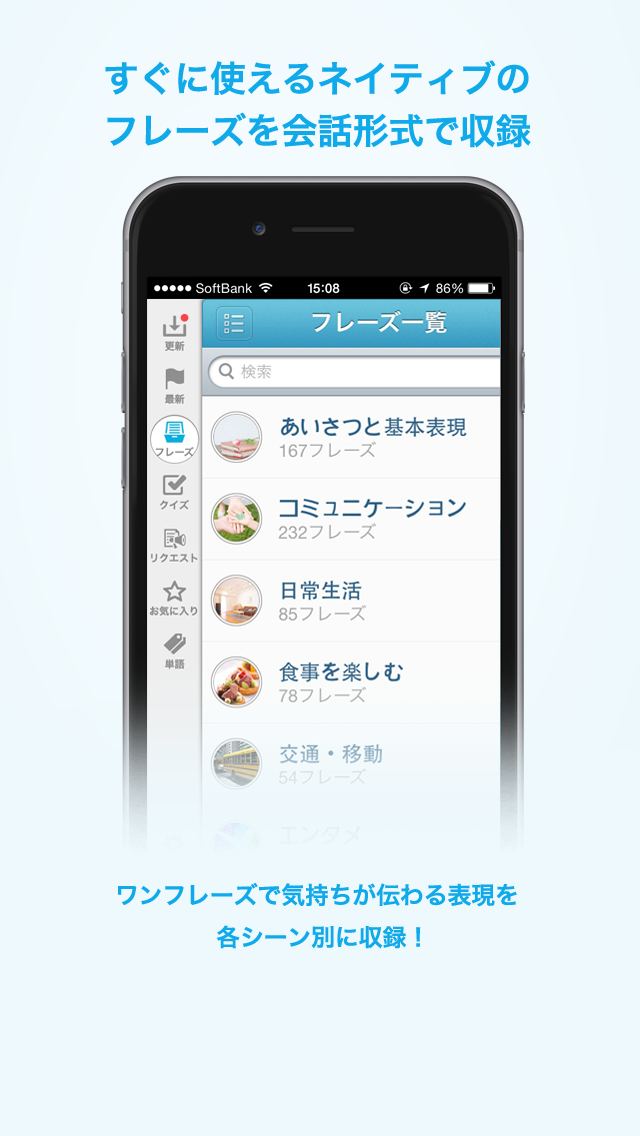
- Pick by scene — 60+ scenes and 2,300+ phrases for daily life, travel, business, and customer service (400+ service phrases included)
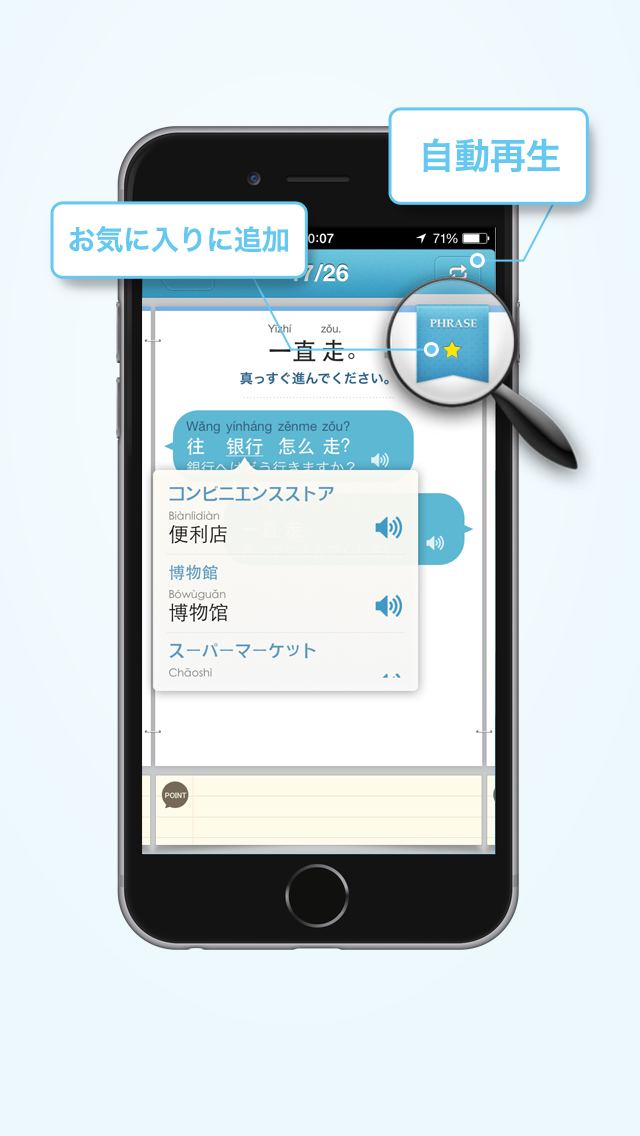
- Dialogue examples — hear not just each phrase but the reply you'll get, all in native audio
- Hands-free listening — auto-play JA→ZH on repeat, perfect for commutes and chores
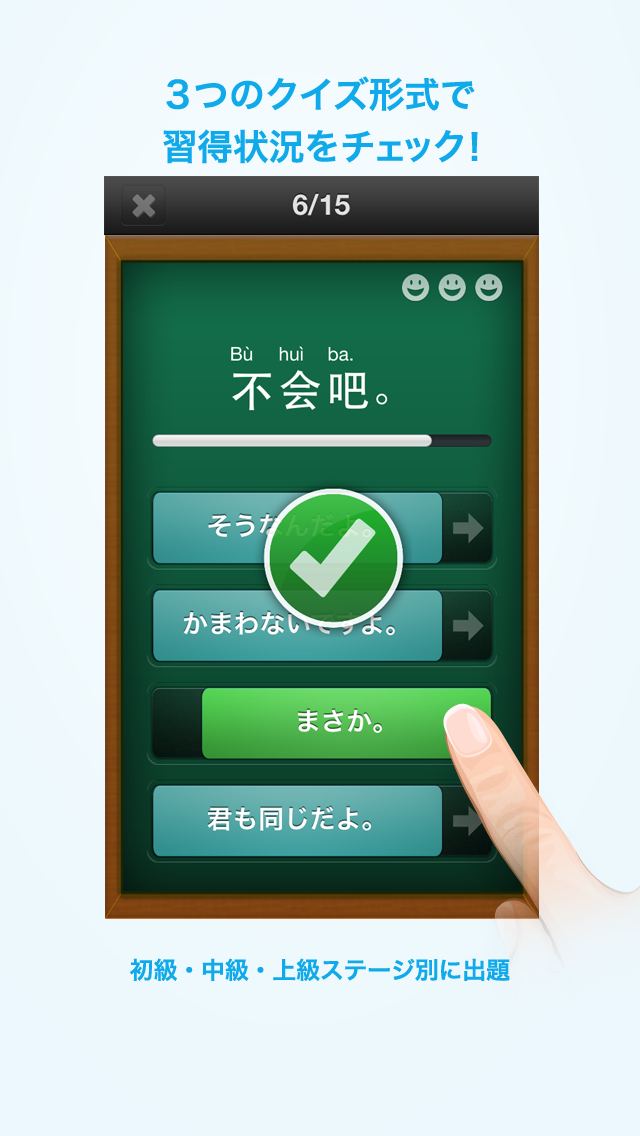
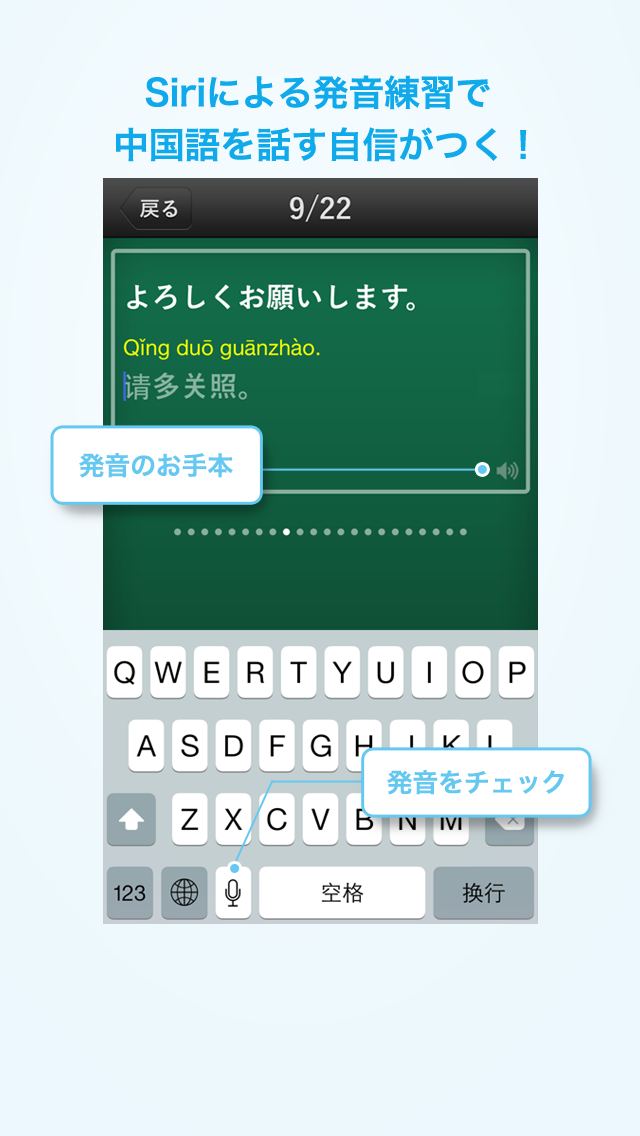
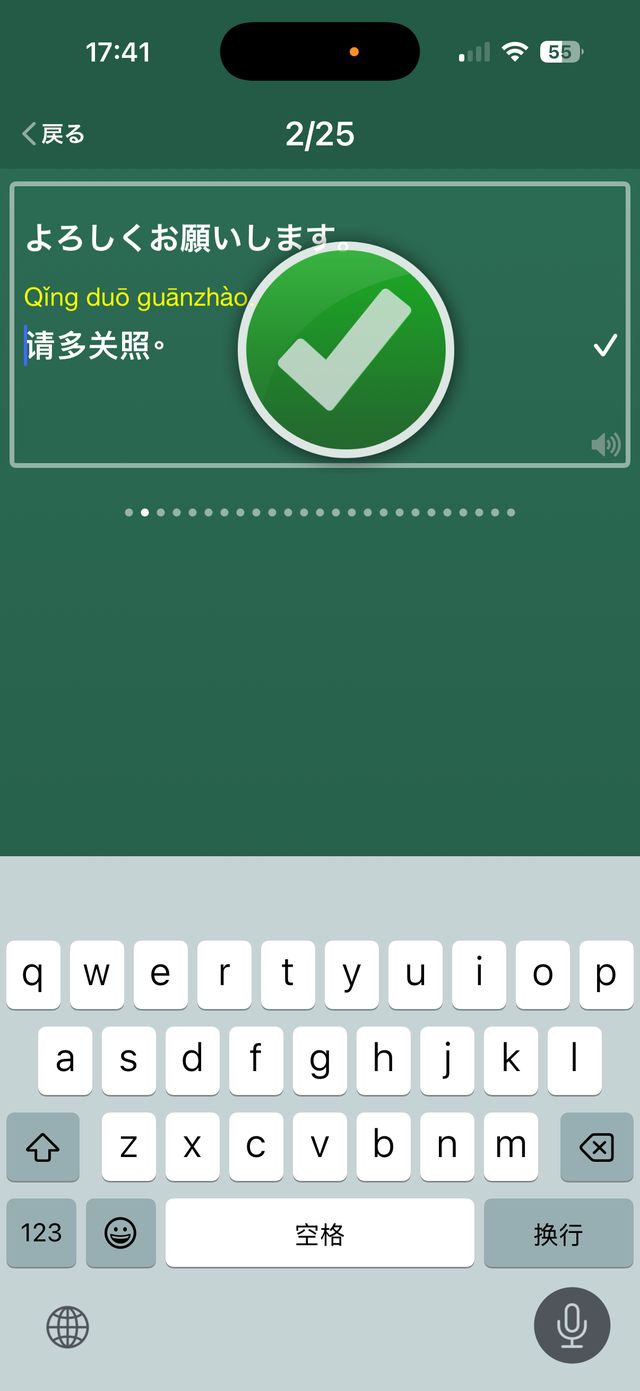
- 3 listening quiz types plus speech-input pronunciation practice
- Your own phrasebook — save favorites into groups (travel, work…) and drill them with quizzes
- Use it on the spot — tap to play audio for the other person, long-press to enlarge the Chinese
- Offline ready — downloaded phrases and audio work without a connection
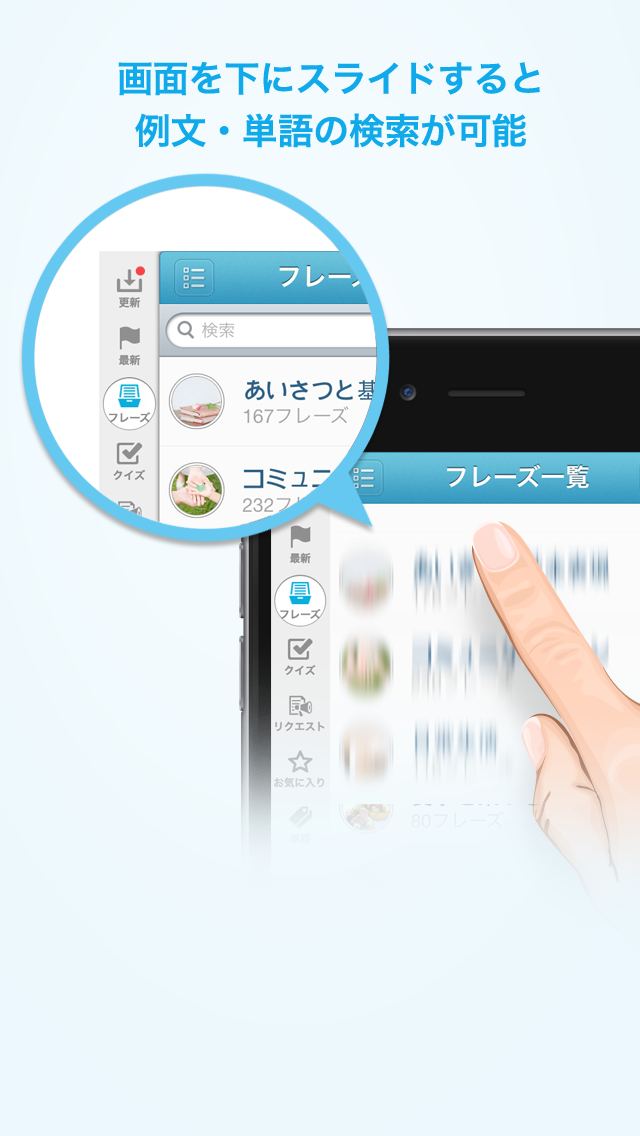
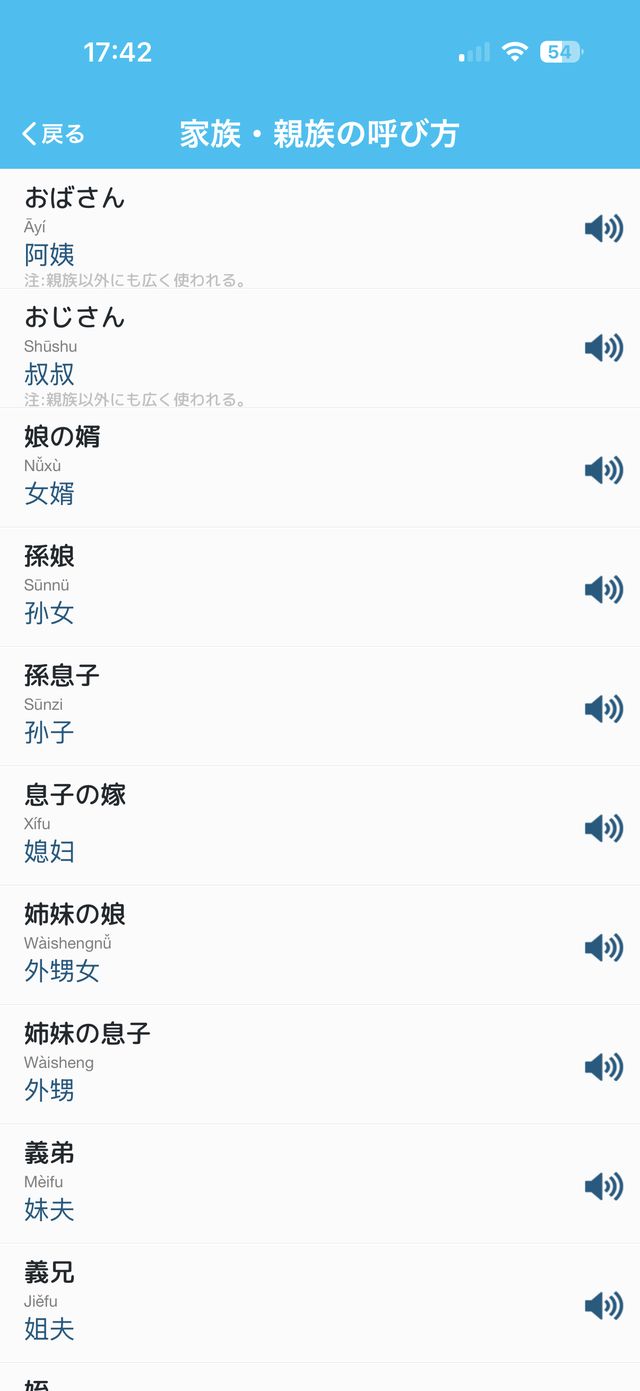
- Words & search — 1,600+ words in 68 genres with audio; supports voice search and searching in Chinese
- Medals for every 'done' — from today's phrase to listening, speaking and using it, your progress builds a collection (Android)
- Home-screen widget — today's phrase at a glance (Android)
In-game gallery
iOS
IOS 1
IOS 2
IOS 3
IOS 4
IOS 5
IOS 6
IOS 7
IOS 8
← SWIPE →
Android
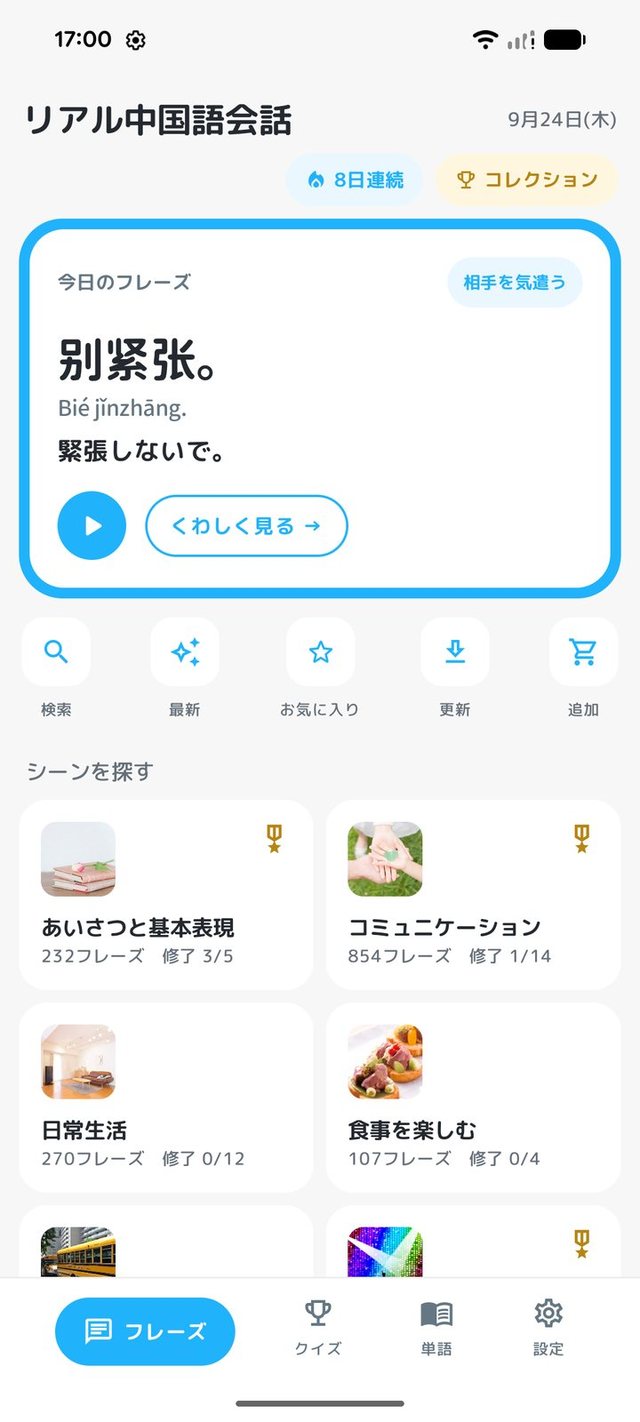
ANDROID 1
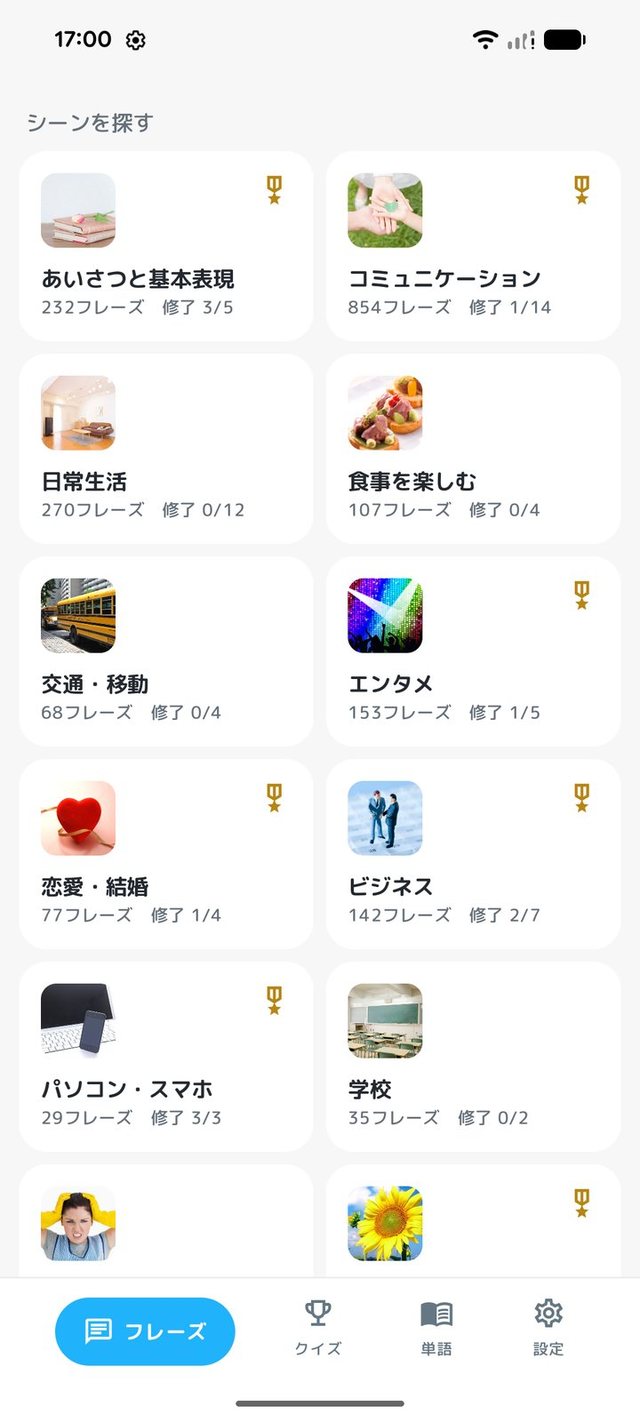
ANDROID 2
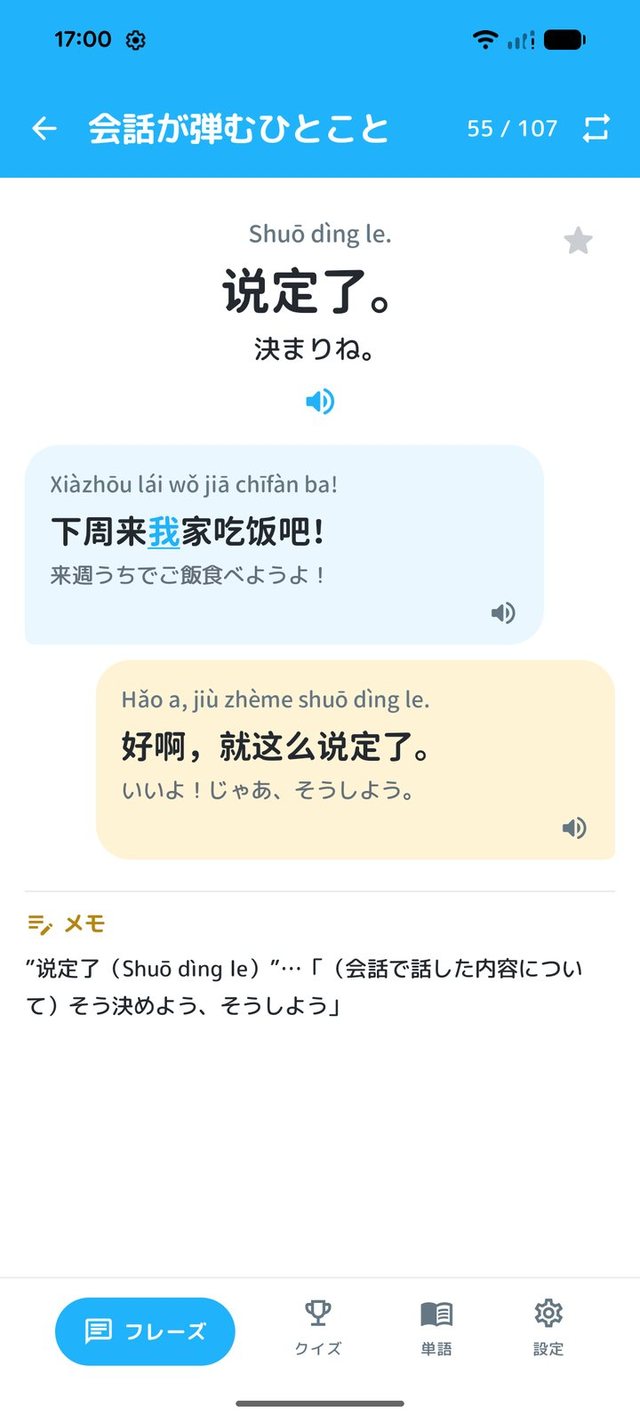
ANDROID 3
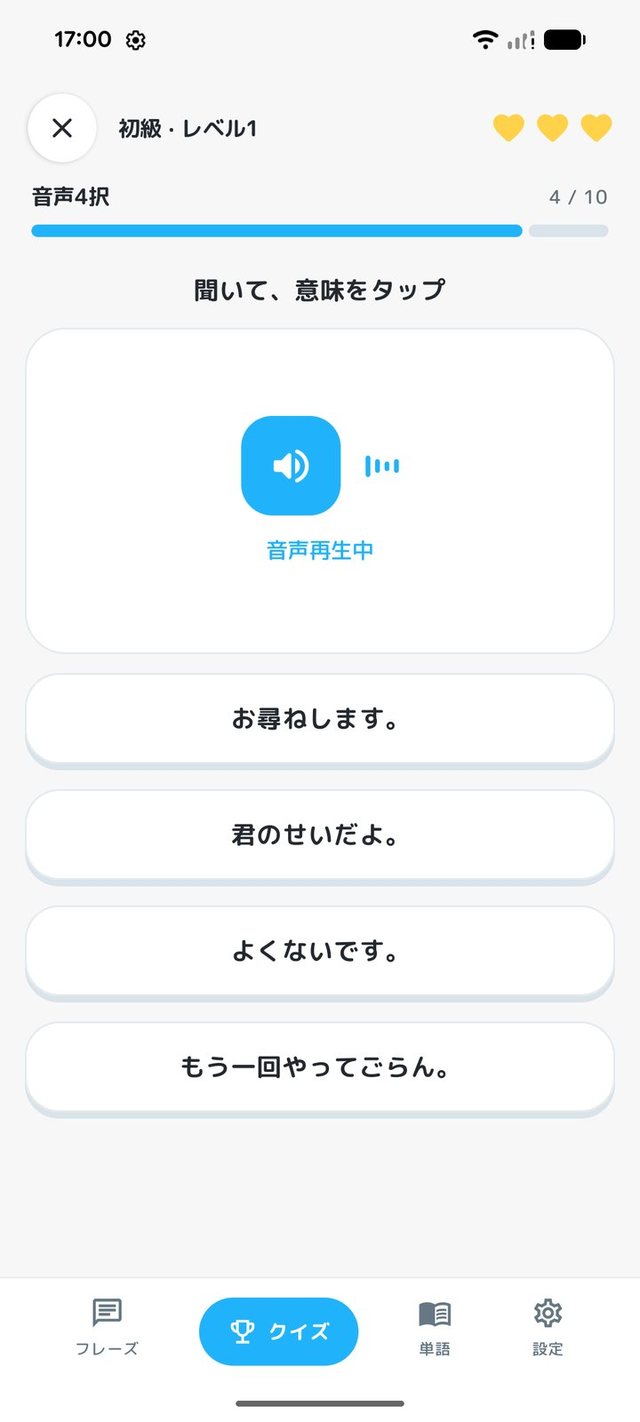
ANDROID 4
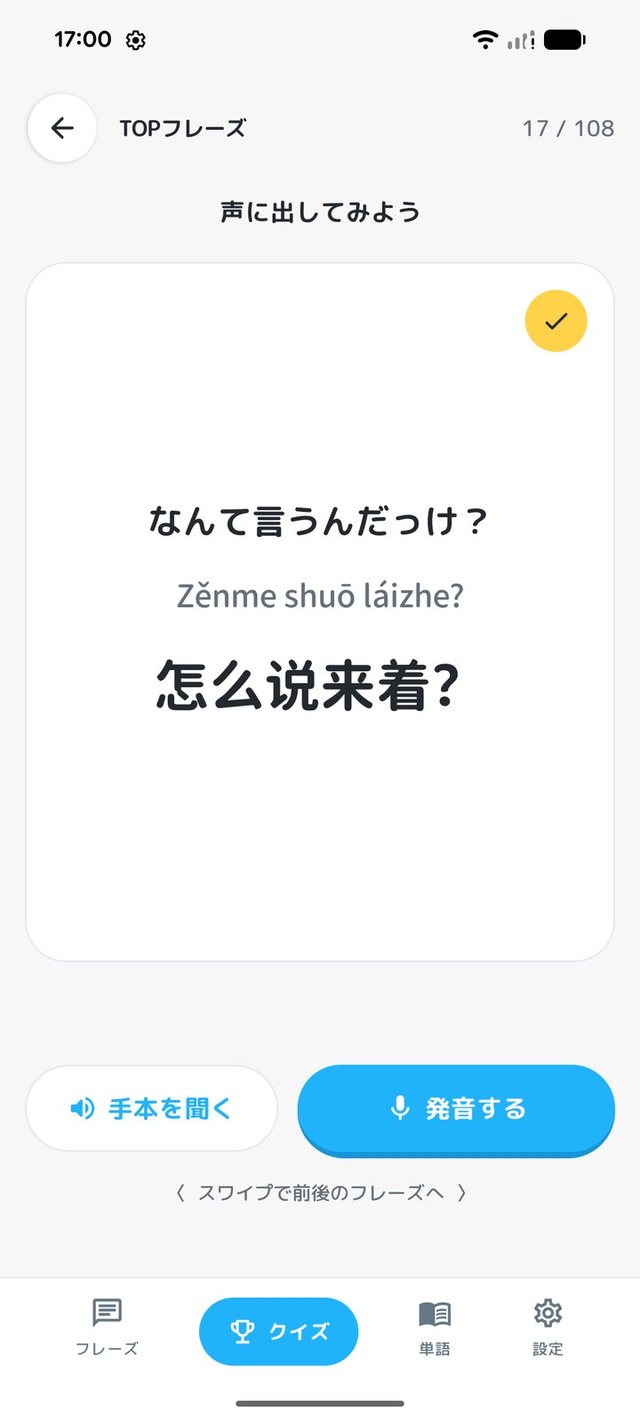
ANDROID 5
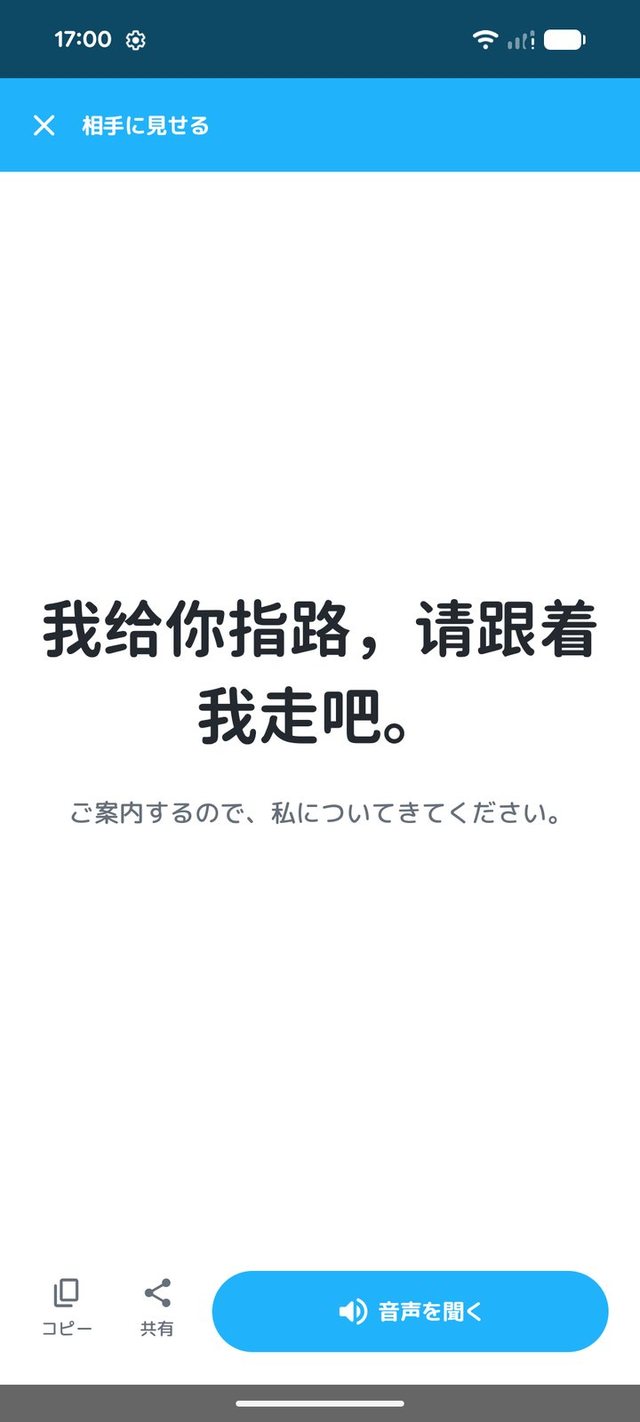
ANDROID 6
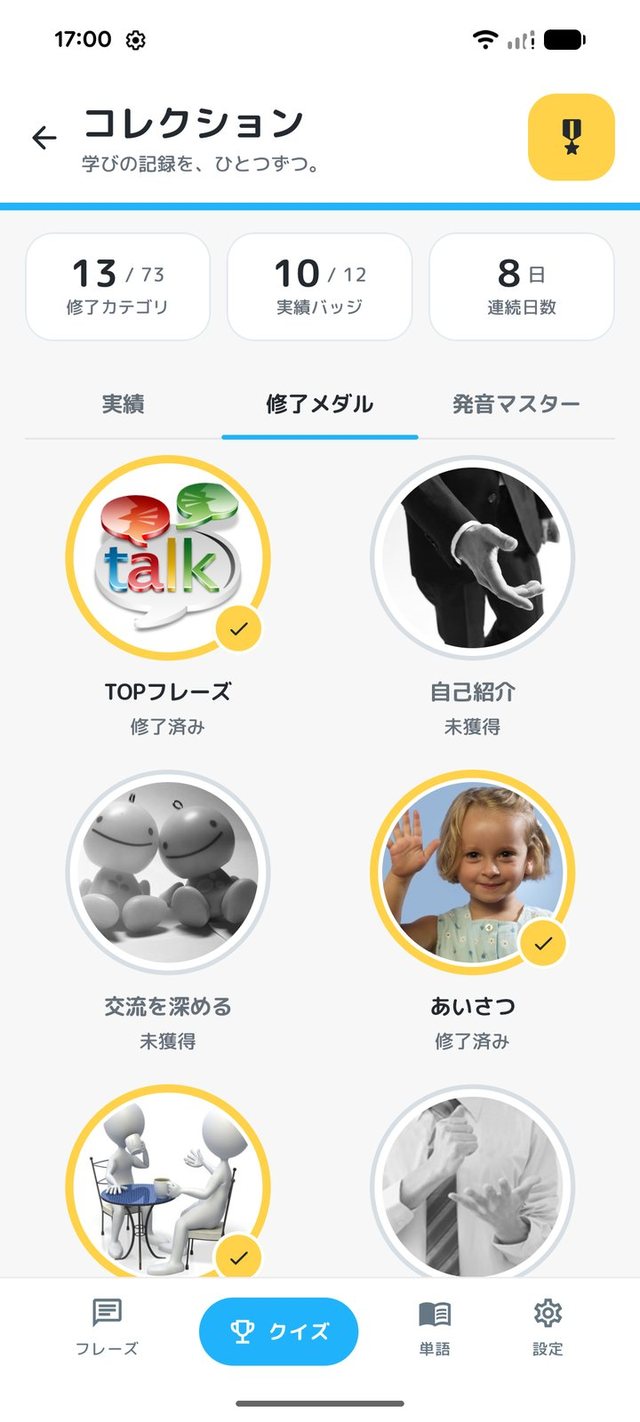
ANDROID 7
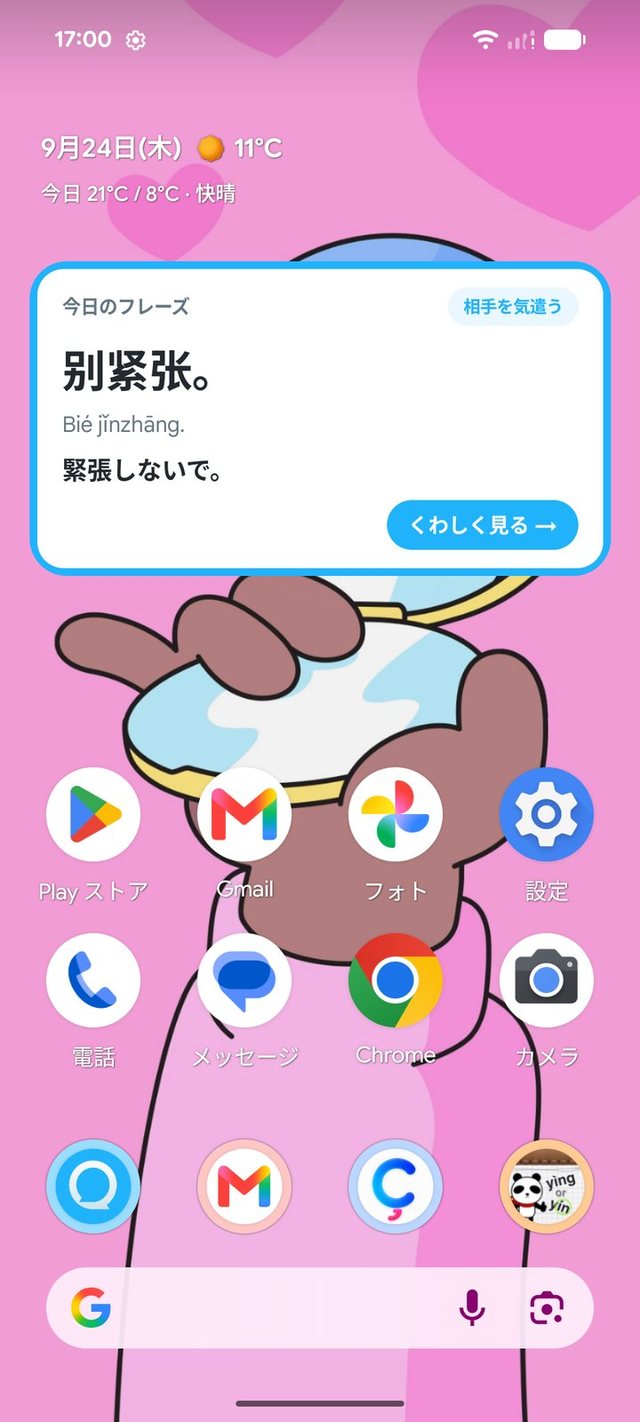
ANDROID 8
← SWIPE →
Player voices
From store reviews (App Store ★4.1 — shown in original Japanese).
ゲームが楽しい!
そろそろ初心者を卒業、くらいの人にちょうど良いかも。語順をタップするゲームがとにかく楽しいし、教科書に出てこないようなフレーズもたくさんあって面白い。1番好きな中国語学習アプリ。
海外赴任に役立つ
上海へ海外赴任する際にダウンロードしました。全く中国語を勉強していませんでしたが、このAPPのおかげで中国語で簡単な会話をすることができました。
語彙力をつけたい人向き
前後の会話文があるので、どういったシチュエーションで使うかイメージがつきやすく良いです。
FAQ
Frequently asked questions.
▶Q. Is there an Android version?
▶Q. How does pricing work?
▶Q. Can I request new phrases? (iOS)
▶Q. Can I search phrases and words?
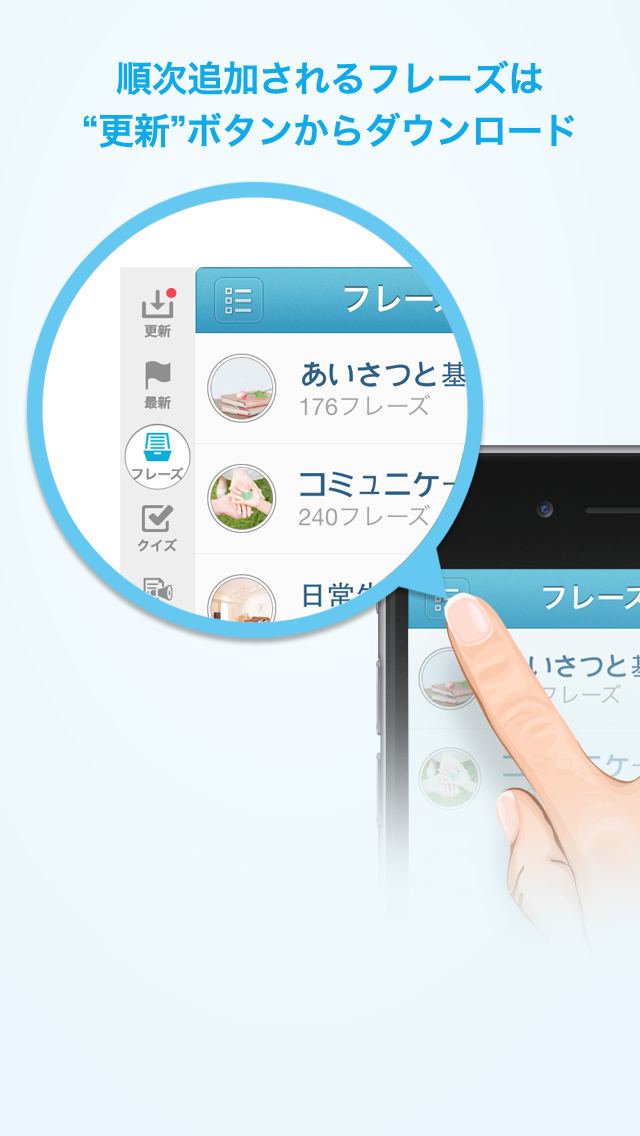
▶Q. How do I download phrases for the first time? (iOS)
▶Q. Can auto-play speak Chinese only (no Japanese)? (iOS)
▶Q. My favorites / downloaded phrases disappeared.
▶Q. I'm stuck on the intro screens. (iOS)
▶Q. Are there versions for other languages?
Support & feedback
Bug reports and feature requests welcome — we usually reply within 2-3 business days.