STAGE 1 › CHARACTER SELECT › Chinese Pinyin Game
Chinese Pinyin Game
Can you hear the difference?
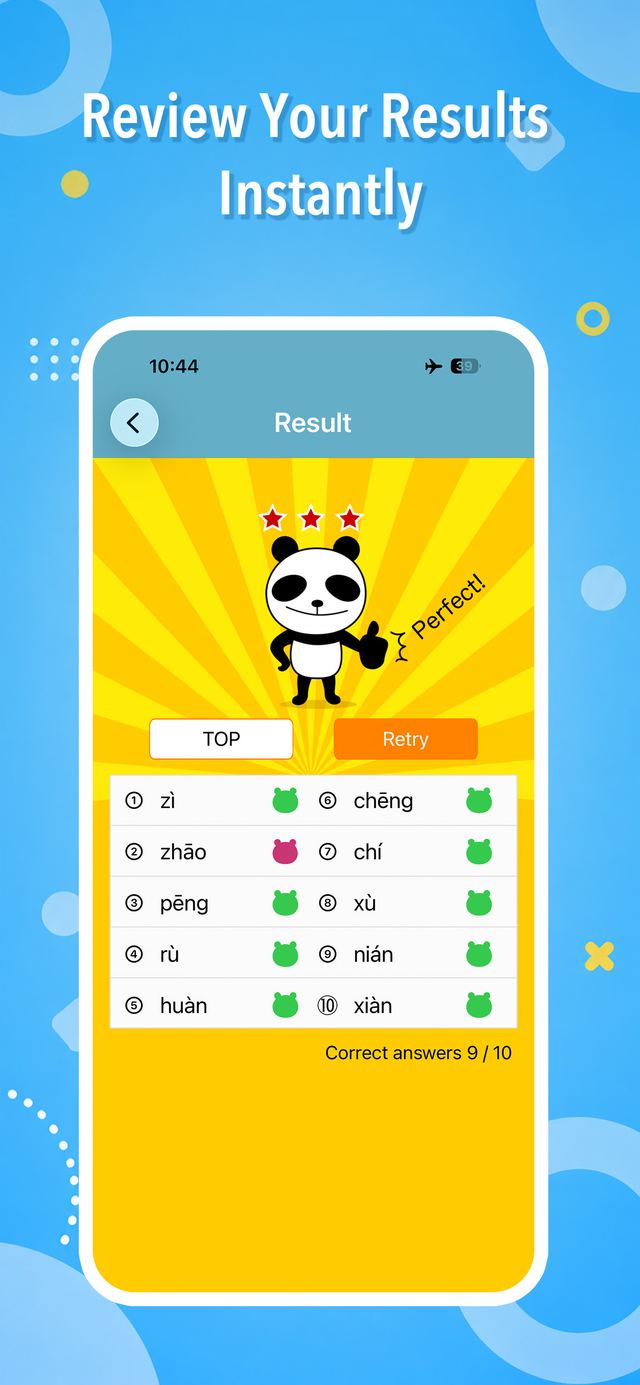
Can you tell xī from shī? Train your ear for pinyin — the foundation of Chinese — with quick 10-question quizzes. Review the exact sounds you missed, compare confusable syllables side by side, then level up to 4-choice syllable and word quizzes, with a cheering panda along the way. From beginners to HSK listening prep. (UI in 5 languages: JA / EN / zh-Hant / FR / ES)
Skills — main features
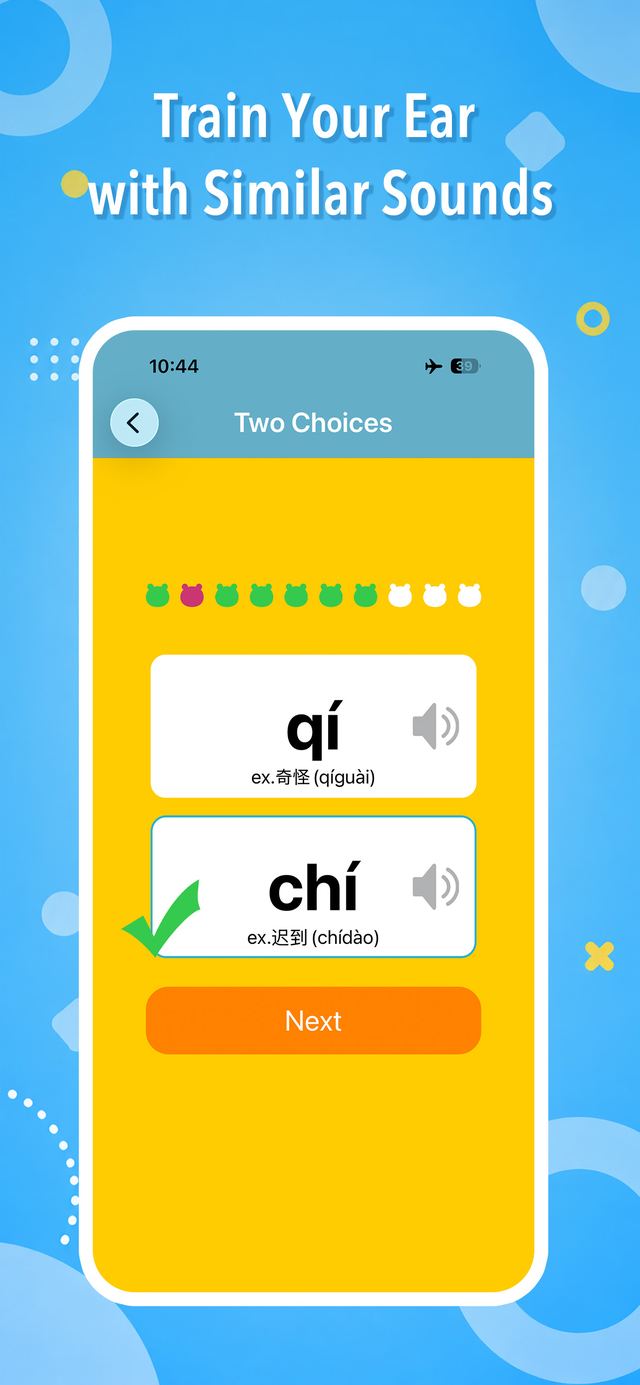
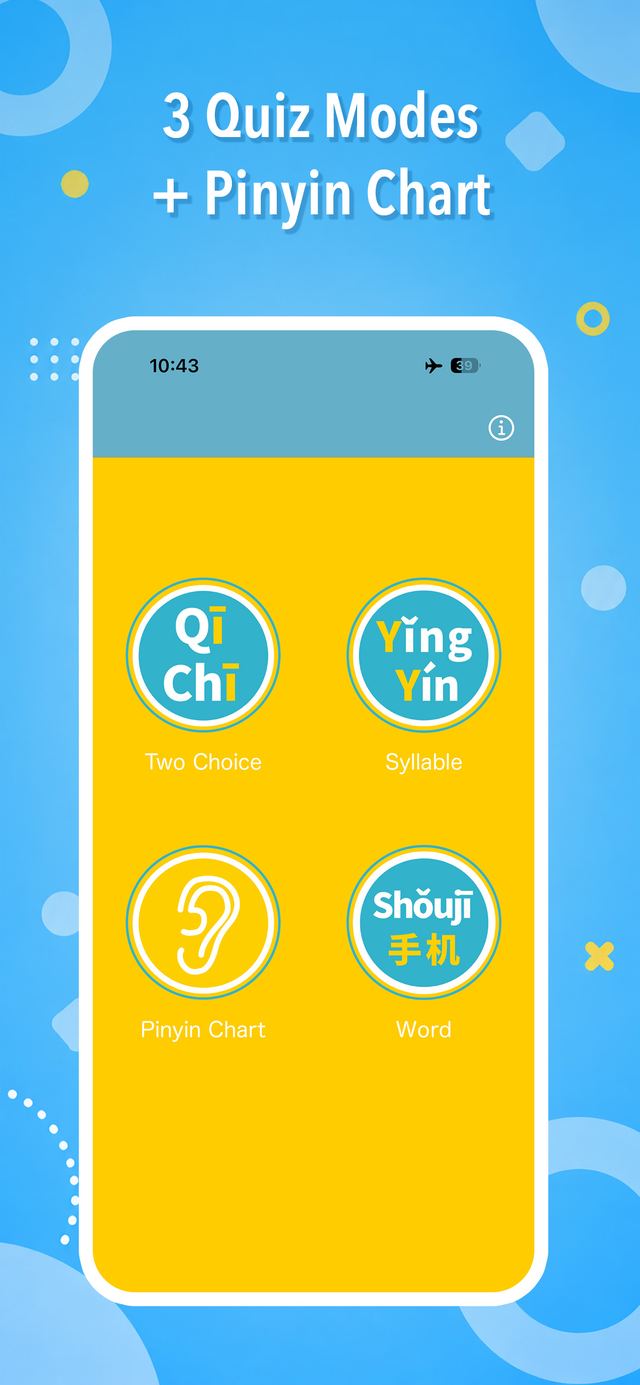
- 2-choice quiz — just pick the syllable you heard. 10 questions per round, perfect for spare moments
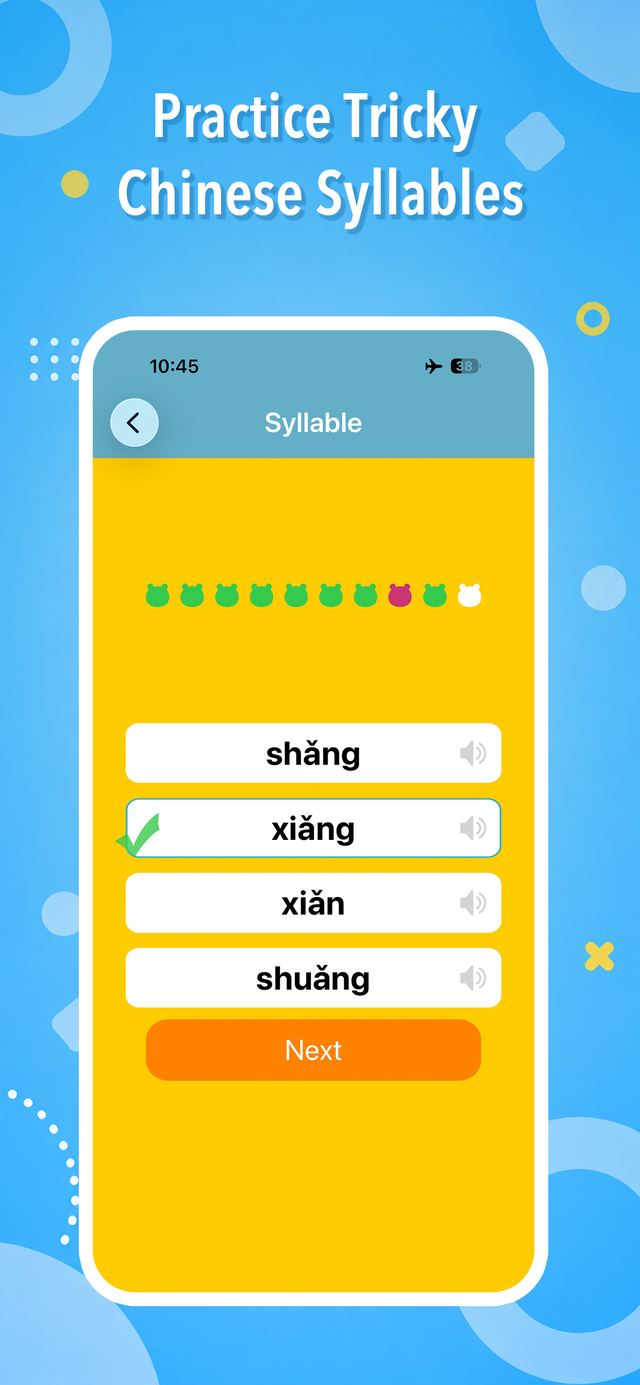
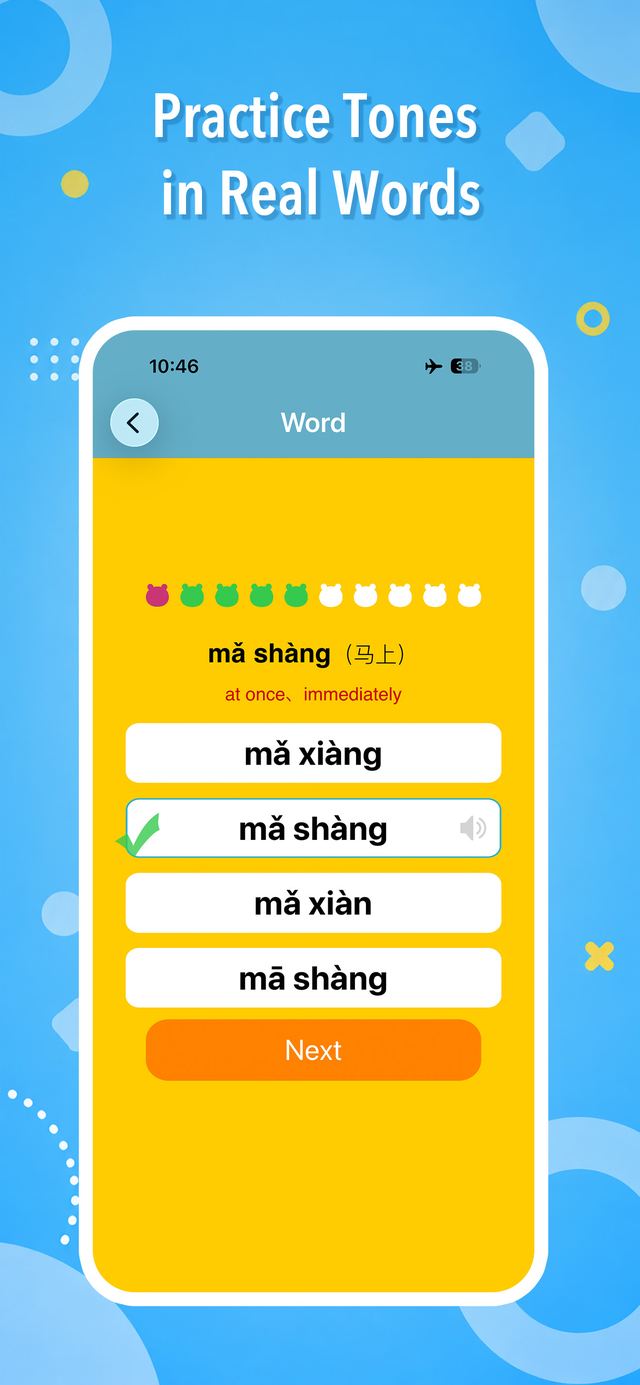
- 4-choice quizzes — level up to syllable and word modes
- Tricky syllables — review the exact sound pairs you got wrong, straight from your results (new in v8.0)
- Syllable comparison — line up confusable sounds with example words and pronunciation hints (new in v8.0)
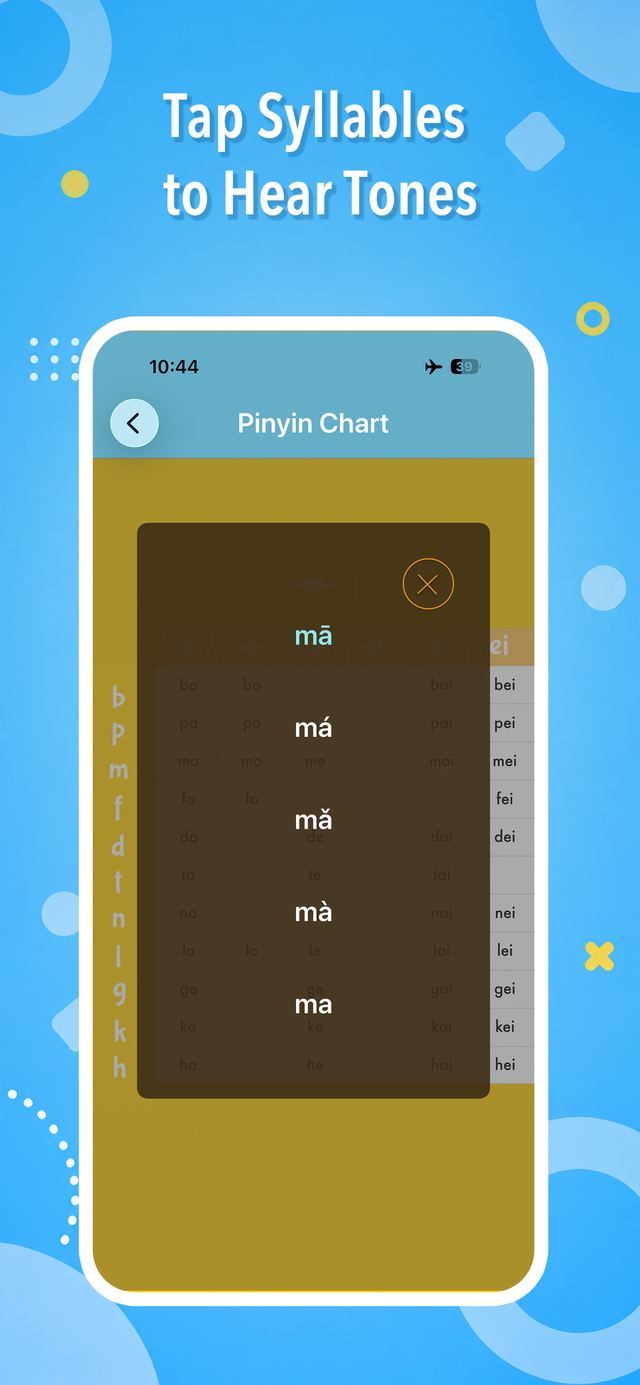
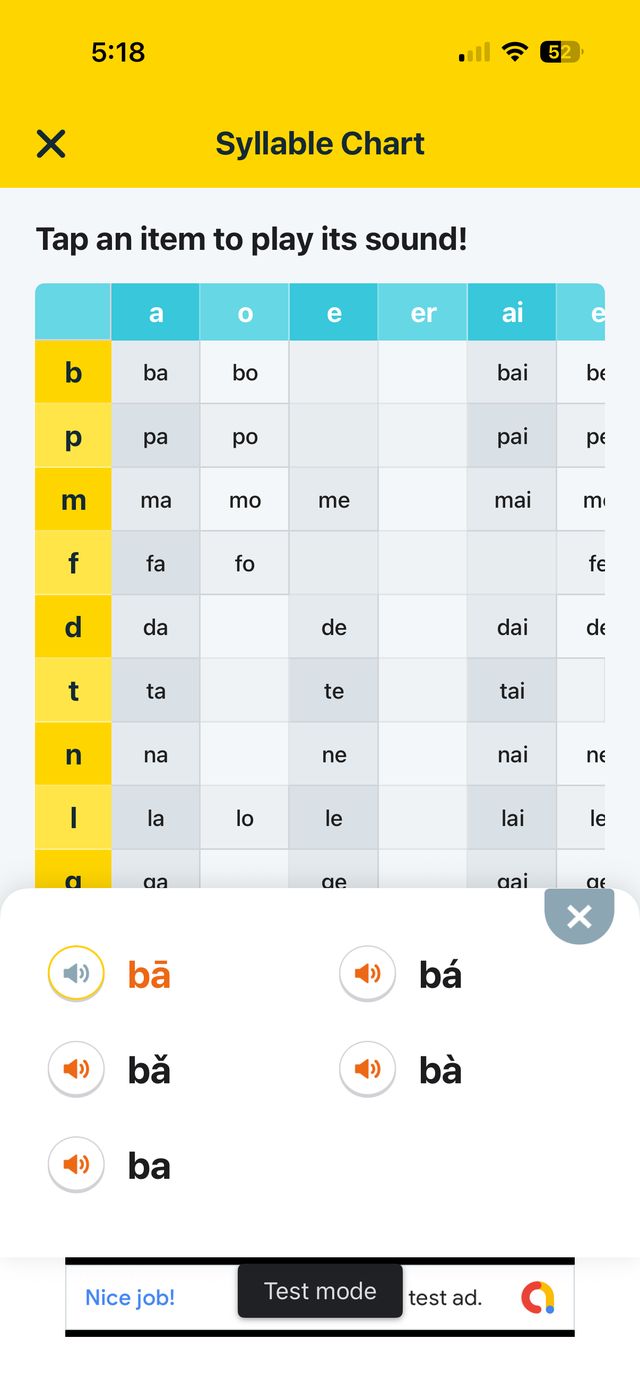
- Syllable chart — play every pinyin sound by tone
- Native audio — every sound recorded by native speakers
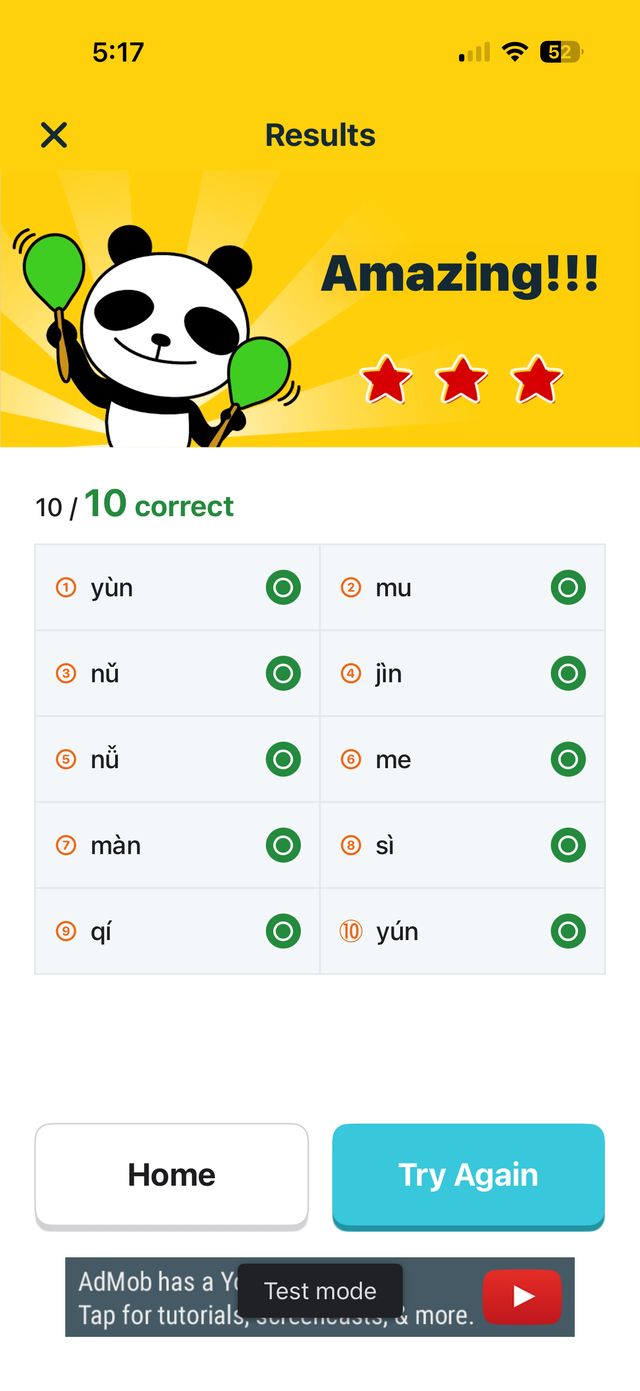
- Panda cheer — the panda reacts to your results and cheers you on in Chinese
- UI in 5 languages: Japanese, English, Traditional Chinese, French, Spanish
In-game gallery
SCREEN 1
SCREEN 2
SCREEN 3
SCREEN 4
SCREEN 5
SCREEN 6
SCREEN 7
SCREEN 8
← SWIPE →
▼ Try the ear-training (real native audio from the app)

Tap chī / qī to hear each pronunciation
Player voices
From store reviews (App Store ★4.3 / Google Play ★4.5).
Perfect — Exactly what I was looking for!
This app is a god send for learning tones! No computer generated voices, clear pronunciation, and a good game for studying!
I use it every day
Real life Chinese teacher told me that the most important thing to learn first is Pinyin. So every day in addition to my other Mandarin Chinese studies I spend 15 or more minutes using this app.
Simple and easy to follow
Simple and easy to follow. I love the tutor's voice too.
Media coverage
- Featured on TV Tokyo's app showcase program (2013)
- Published in the monthly magazine Cuisine Kingdom (2018)
- Recommended by dotApps, ZUU online, and EdTech Media
FAQ
Frequently asked questions.
▶Q. There's no sound in the app.
① Turn the volume up with the side buttons
② With the app open, press a volume button and check that the popup icon is a speaker (if it shows a bell, go to Settings > Sounds & Haptics and turn off "Change with Buttons", then check again)
③ Adjust the media volume shown as a vertical bar on the left while the app is open — not the ringer volume
If the issue persists, restart the app and contact us via the form.
▶Q. Is it free?
▶Q. I'm a total beginner. Is that OK?
▶Q. Are Android and iOS versions the same?
Support & feedback
Bug reports and feature requests welcome — we usually reply within 2-3 business days.